

LFM2-24B-A2B-Preview-GGUF
This walkthrough follows the Tutorial: LFM2-24B-A2B-Preview-GGUF section in the nexa-sdk Android README. It uses the LFM2-24B-A2B-Preview-GGUF model in the demo app.Steps
1
Install the app
Install the demo app (APK or build from source). For APK download and build-from-source steps, see Quick Start with APK and Build from Source on the GitHub Android README.
2
Select the model
Open the model selector (dropdown next to the model name) and choose LFM2-24B-A2B-Preview-GGUF.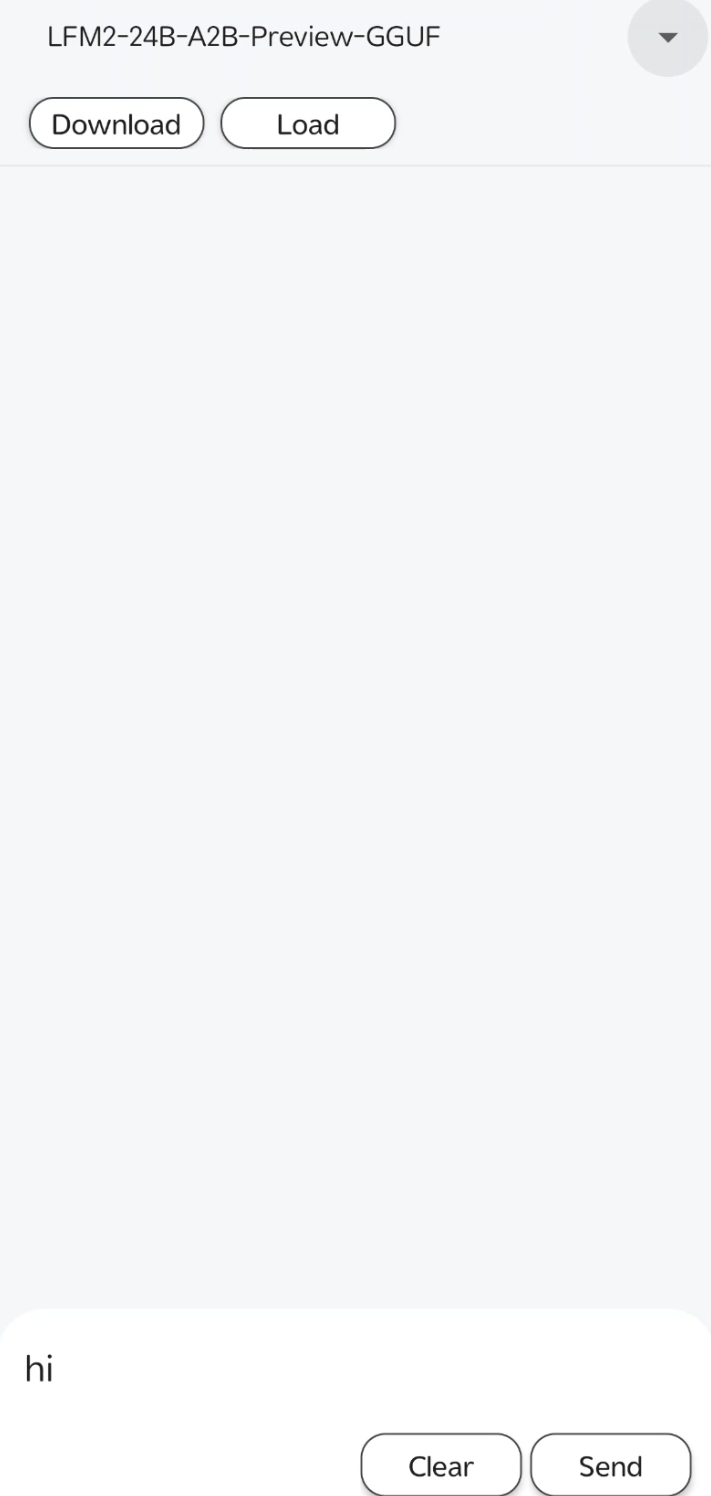
3
Download
Tap Download to fetch the model to your device. Wait until the download finishes.
4
Load
Tap Load. A load model config dialog appears: choose CPU, GPU, or NPU (for Qualcomm NPU), then tap SURE. Once the model is loaded, the chat area becomes available.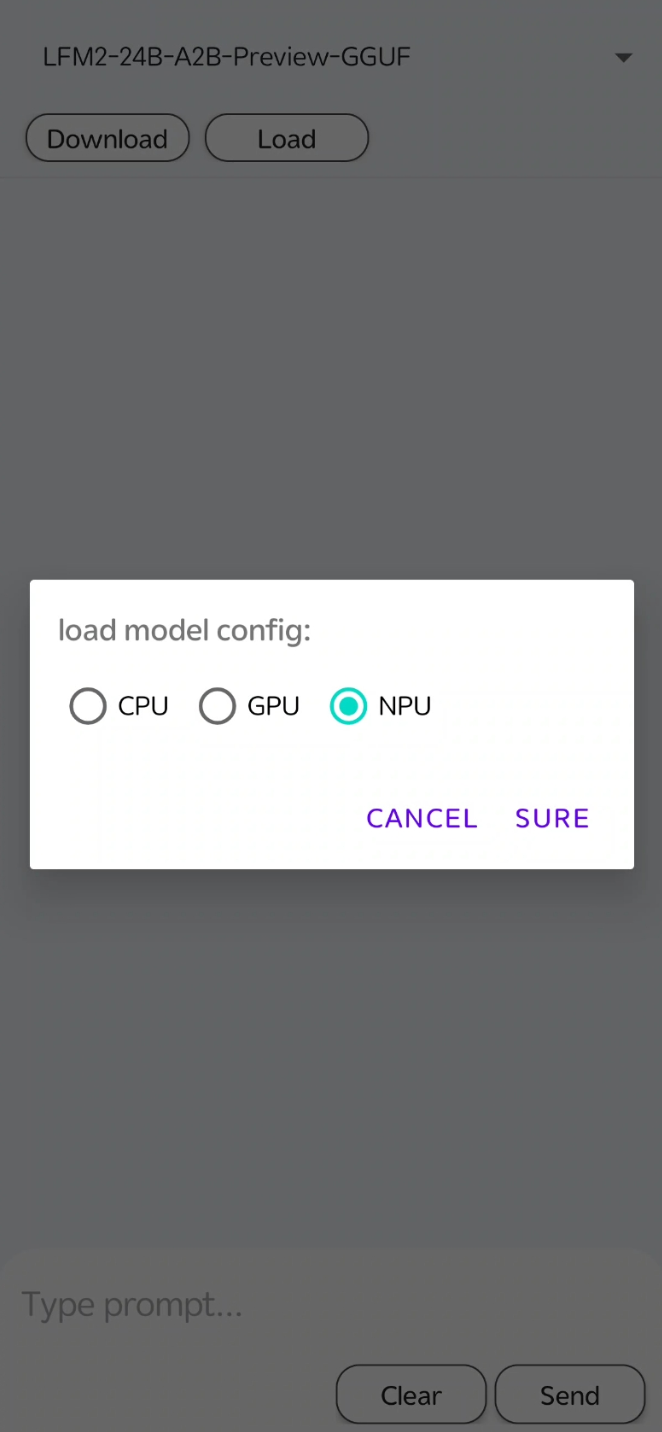
5
Chat
Type your message in the input field at the bottom, then tap Send to get a response. Use Clear to clear the input or conversation as needed.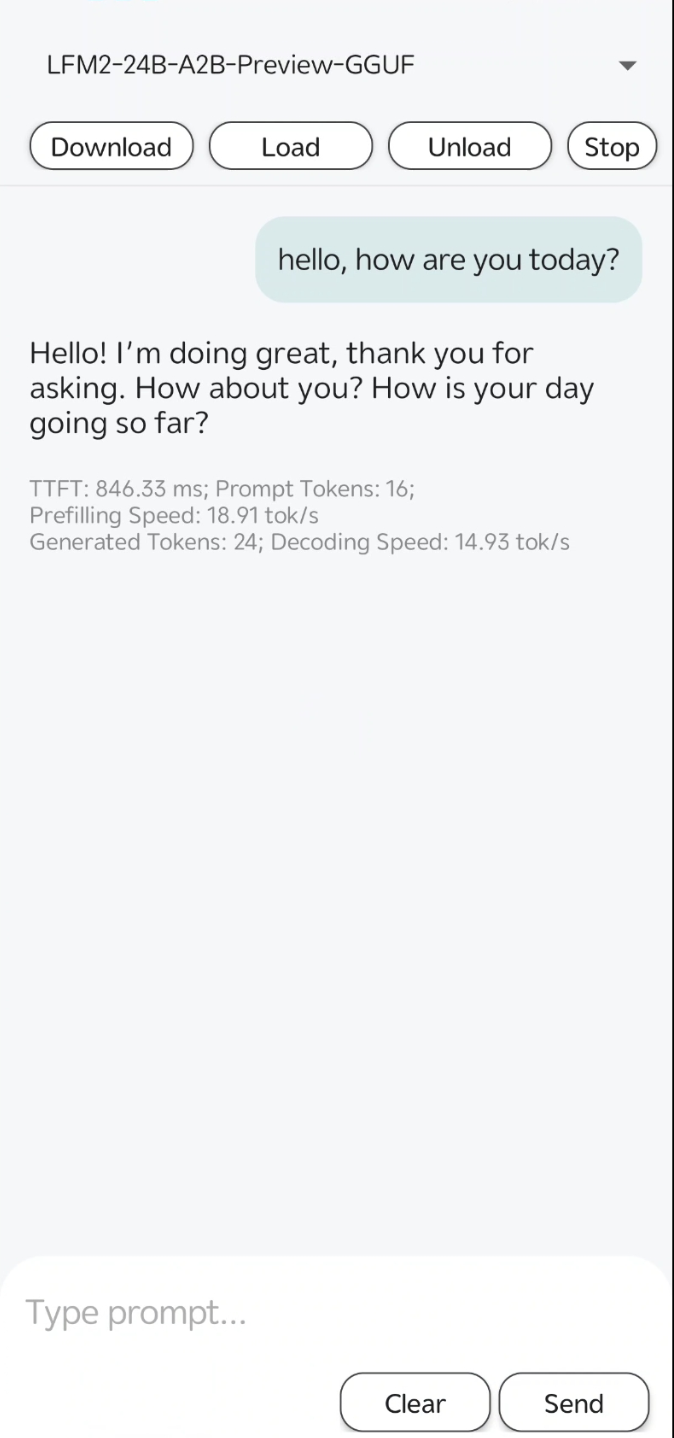
Was this page helpful?